
Elgato Stream Deck Mini Review

Updated: May 2, 2025
Disclaimer: Please note that I am an Amazon Associate and I earn from qualifying purchases. This means that if you make a purchase through one of the links, I may receive a commission at no extra cost to you. Please rest assured that I only write reviews for products that I have personally used, and I will give you my honest opinion on them. For more information, please visit my Disclaimer page.
Pro | Con |
Website | Can't Choose Chrome Profile |
Software | Light Weight |
Icon Creation/Editing | |
Ease Of Use |
The Voltage:
Are you looking for a tool to help you streamline your content creation or your stream? Take a look at the Elgato Stream Deck Mini! It comes with a user-friendly app that gives you the ability to customize your Stream Deck to fit the look and the functionality that you need! The application also allows you to create Icons if none of the pre-created ones fit your fancy. The Elgato marketplace effortlessly integrates with the Stream Deck to help enhance your productivity and creative flow. This all-in-one tool is a great sidekick to have with any project you are working on big or small!
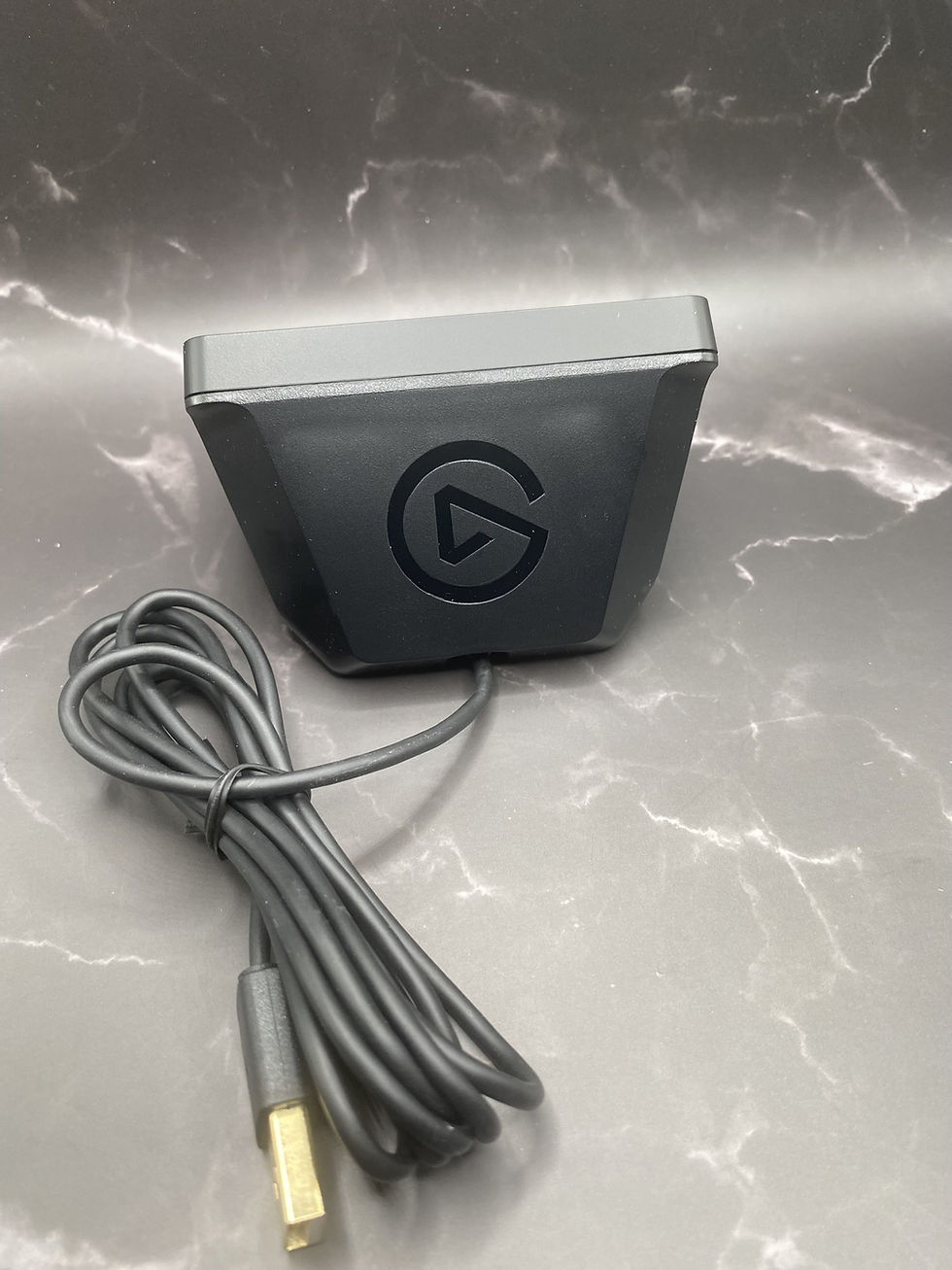
Elgato Stream Deck Mini

The Stream Deck is definitely made for those who stream however I find that just about anyone who works or plays with computers can find some use for the Stream Deck. It's so versatile, easy to use, and set up that I've had fun playing around with mine. I love the sleekness and the ability to customize different profiles for different situations that the Stream deck from Elgato delivers.
That's not even considering the Elgato marketplace which has so many plugins, icons, sounds, videos, and much more for the Stream Deck or just about any project your working on ready to go! I think this is a great platform that any streamer would love, however, take that with a grain of salt because I and no way am a streamer, but I may dabble in it a little bit because of this little tool.
Software
The software that comes with this package is simple to use but it still opens up a whole world of possibility and productivity. In the software, all you have to do is drag whatever action you choose into the position that you like and then set it up. What's neat is if you put a web address the favicon for that specific website will populate the icon for that button!
The software also gives you the capability to create shortcuts for any website and application that you choose so you can get to them with a press of a button! It also allows you to pick from a large amount of pre-created icons and even lets you create your own in the app itself. If you do not like the layout of your Stream Deck Icons all you gotta do is click and drag it into the position you want it in.
The software also gives you the ability to make a multi-action button which is great for setting things up for you to get to work or to get ready to stream with a press of a button. This feature has the possibility of bringing your productivity to a whole new level!
In the application you have a whole plethora of things to do with audio and streaming (hence the name Stream Deck I suppose hehehe). You can play audio, connect to Streamlabs, and switch scenes within your stream all from your Stream Deck. Streamlabs is the default application that the streaming options connect to however there are a lot of plug-ins that you can use in conjunction with the Stream Deck! And that brings us to the Website!
Website

The Elgato Market Place is another great tool that integrates with the Stream Deck effortlessly however, you have a lot to choose from the majority of products (audio) on the marketplace only work with the Stream Deck itself. With that knowledge, you do have a whole lot of stuff to choose from and play with. A lot of which is free but some do cost a bit of coin.
The marketplace has a tab called Stream Deck in which you have plugins, icons, profiles, and screen savers all of which you can use to customize your Stream Deck to do what you need it to. There are so many plugins you can play with from controlling your stream to controlling your Hue Phillips lights and even editing in Lightroom if you need it chances are it's there waiting for you!
The Profiles and the Icons tabs really helps make your stream deck fit your personality and lifestyle. It gives you the ability to go for different looks from games you play to a cuter aspect whatever you would like. If you get tired of that look there are so many more to choose from and it's so easy to change, because of that you can change it to your heart's content!
Elgato Market Place also has graphics and videos to add that little extra pizazz to the quality of your stream. There are a lot of free options to choose from on these tabs as well. That way you can play around with it and see what works for your situation. Some of them even come with an installation guide on how to use it with your streaming software.
Then there is the Audio tab! You have a large quantity of royalty-free music and sound effects to choose from to make your stream, YouTube channel, or any other project you are working on that much more enticing. Add your own personal flare to whatever you're working on with Elgato audio to back you up.
The Good & The Bad

The Elgato Stream Deck has many great features that will help you let your creative mind thrive however, there are also some issues I have found. Let's discuss these pros and cons shall we?
For the cons, I've only found a couple and the first one is that I wish it had a little more weight to it or at least a better no-slip strips put on the bottom. I feel like the Stream Deck Mini is always running away from me whenever I try to press a button especially the ones on the top. Then again I maybe hitting it a little too strong.
The other issue is that I use different Chrome profiles for work and personal matters and I wish there was a way to tell the Elgato Stream Deck to open a website with a certain Chrome profile. That way I didn't have to open the Chrome Profile up first and then hit the button. There may be a workaround with the Elgato software however I have not found it yet.
The Elgato Stream Deck Mini is a great little device that has a lot of features that help it become a great tool from working to creative endeavors. I found numerous features that make it a great buy at least in my eyes!
The first thing I wanna talk about is how user-friendly the software is! The Stream Deck is so easy to set up and use. Not only that but the customizability is amazing from the look of the Stream Deck to different profiles for different apps this thing has it all.
The ability to make your own Icon's inside the app itself is a great plus. It allows you the ability to streamline your Stream Deck (no pun intended lol) so that you can create a custom button for a custom setting and not have to use a pre-created icon.
I however think that the biggest feature is the Elgato marketplace and how it integrates with the Stream Deck! This is a great bonus and one that I had no clue I was getting when I bought this little guy so it was an amazing surprise for sure. Not only does the website work great with the Stream Deck but it also has other assets such as videos, graphics, and audio that you can use to really make your content stick out.
Conclusion

The Elgato Stream Deck Mini is a great tool for streaming, content creation, and working! The software that comes with the Deck is very user-friendly and allows you to customize and use the Stream Deck in just about any way you need or want to. Just like any product it does have a couple of issues such as it sliding too easily and not being able to choose which Chrome profile to open however, I think the positives definitely outweigh the issues! So in conclusion would I buy this again if I knew what I know now? I definitely would the only thing I would change is that I would probably buy a bigger one so I could have more options available to me!
Disclaimer:
All articles on the website from reviews to information are for entertainment purposes only and not advice from professionals or experts. These are my views and opinions and the information given is accurate to the best of my abilities and as such may have errors, mistakes, and/or missing some key information. These reviews and information are my opinions and do not reflect the opinions of those I may be affiliated with. For more information please visit Disclaimer Page.
For more Reviews on products click on Product Reviews


Comments